
Who can do what in Deals
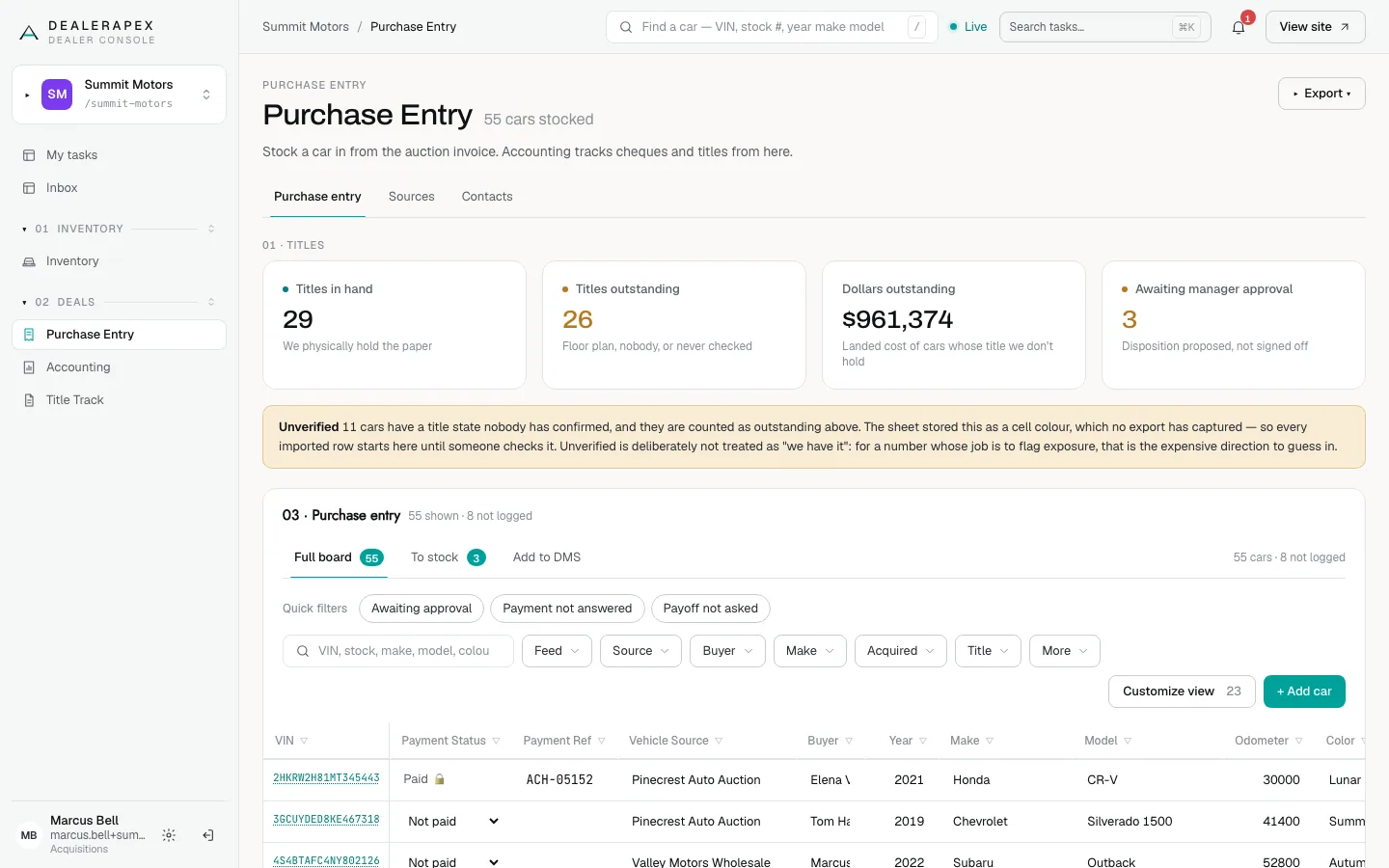
Purchase Entry, Accounting, Title Track and Documents hold your purchase prices and payments, so each role sees only what its job needs. Use this page to choose the right role when you invite someone.
The roles
- An owner or editor can see and change everything in Deals. A viewer can see everything but change nothing.
- An inventory manager stocks cars in, sets where each one is going, and approves dispositions.
- A title clerk chases titles and nothing else.
- An accountant records how cars were paid for.
- A sales manager has no access to Deals.
Inventory managers, title clerks and accountants do not see the Dashboard, Leads or Performance, because those show customer details.
What each role can do
| Area | Inventory manager | Title clerk | Accountant |
|---|---|---|---|
| Purchase Entry | Add, edit, approve, export | No access | No access |
| Sources and Contacts | Change | Contacts only, on Title Track | No access |
| Accounting | Read only | No access | Record payments, clear checks, notes |
| Title Track | Work titles, change Settings | Work titles, read Settings | No access |
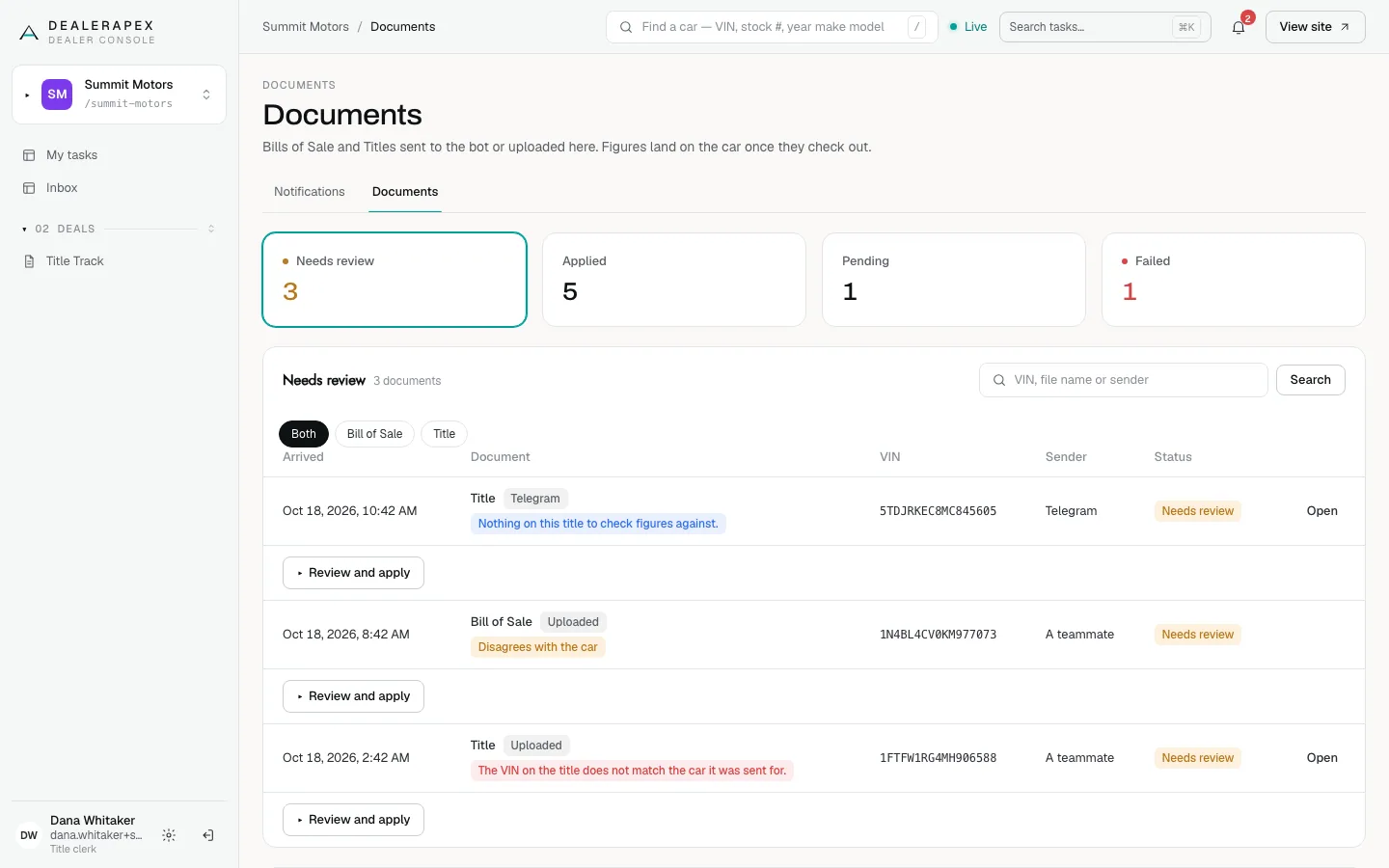
| Documents | Bills of Sale and Titles | Titles only | No access |
Approvals
A disposition (Retail, Wholesale and so on) set on Purchase Entry needs a sign-off. An inventory manager, editor or owner can approve it. That includes approving a car they stocked in themselves: the approval records who signed off and when, but it is not a second-person check.
Cars already in your inventory feed do not need a sign-off.
Money a title clerk can and cannot see
A title clerk sees whether each car is paid, and the dollars at risk on Title Track, but never the purchase board, buy fees, payoffs or the Accounting ledger. They also cannot change the chase window on Settings, because it is how their queue is measured.
On Documents, a title clerk can send and apply Titles. A Bill of Sale is visible but cannot be applied by them, because it writes purchase prices.
Give someone a role
Only an owner can invite people or change roles.
- Open Settings and click the Team tab.
- Enter the person's Email, choose a Role and click Invite.
- To change an existing member, choose a new role on their row and click Save.
See Invite your team for the full steps.
Common questions
Can one person be both title clerk and accountant?
Each person has one role per dealership. If someone needs both jobs, give them the editor role, or ask [email protected] about your options. See Roles and permissions.
Can an inventory manager approve their own car?
Yes. The approval is a deliberate checkpoint with a name and time attached, not a second-person control.
Where does each role land when they log in?
A title clerk lands on Title Track, or on My tasks when tasks are turned on. An accountant lands on Accounting and a sales manager on Inventory.
Still stuck? Email [email protected] with the page you were on and what you expected to see.